
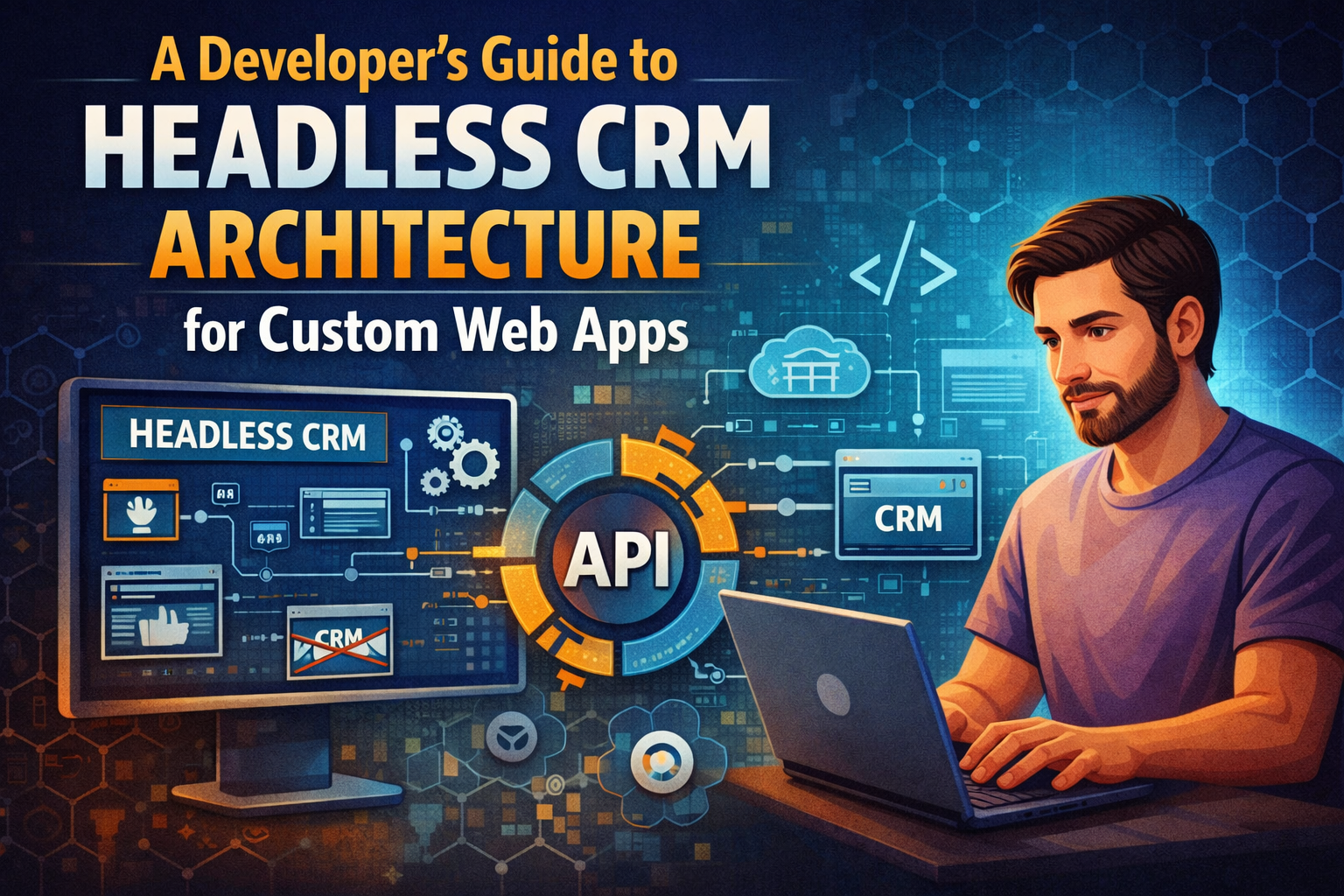
Building a custom frontend? Learn how decoupling your backend with a Headless CRM Architecture gives developers ultimate flexibility, speed, and security.
You have just been handed the beautiful, highly customized Figma designs for a brand-new client portal. The interface looks amazing, the user experience is flawless, and you are excited to start writing code. Then the project manager drops the hammer: “By the way, this all needs to tie directly into our legacy monolithic database using their proprietary templating language.”
Cue the immediate developer headache.
We all know the distinct pain of wrestling with rigid, heavily opinionated monolithic systems. You try to force a modern React or Vue interface onto a clunky backend, and it breaks. You spend days writing messy workaround scripts just to make a simple dropdown menu function correctly. This frustrating friction is exactly why Headless CRM Architecture has rapidly become the gold standard for modern engineering teams.
By entirely decoupling the backend data storage from the frontend presentation layer, you gain absolute engineering freedom. If you are building custom web apps, adopting a Headless CRM Architecture changes the way your entire department operates. You stop fighting against rigid software boundaries and start building exactly what your users actually need. Let’s break down how this decoupled approach works, why developers love it, and how to implement it correctly.
What Exactly is Headless CRM Architecture?
Let’s get straight to the technical reality of how legacy platforms operate. Traditional platforms tightly couple the backend database with a pre-built frontend user interface. The vendor controls how the data is stored, and they also control how that data is rendered on the screen. You are forced to use their specific themes, their rendering logic, and their routing rules.
A Headless CRM Architecture essentially chops the “head” (the frontend interface) right off the system.
It leaves you with a pure, raw database environment that is accessible exclusively via APIs. The backend simply stores customer data, manages relational records, and handles security logic. It does not care how that data is displayed to the end-user. It has no opinion on your frontend styling. You fetch the raw JSON payloads and render them however you see fit using your preferred frontend framework.
Understanding this shift requires looking at the history of the Application Programming Interface (API). As APIs became faster and more standardized, the need to bundle the backend and frontend together vanished, giving birth to the decoupled systems we rely on today.
The Developer Benefits of a Headless CRM Architecture
Why should your team go through the effort of building your own UI from scratch? Because standard, out-of-the-box dashboards are incredibly bloated. They load massive amounts of heavy CSS and JavaScript to support features your specific company will never use.
A major selling point of a Headless CRM Architecture is that it is completely framework agnostic. You are never locked into a specific technology stack. Want to build a blazing-fast customer portal in Next.js? Go for it. Need a lightweight, highly responsive mobile dashboard using Flutter or React Native? No problem at all. The backend just serves data cleanly and quietly.
- Extreme Performance Optimization: Traditional systems load heavy scripts just to render a basic client list. When you control the frontend code completely, you control the bundle size. You can optimize image loading, implement lazy loading for heavy components, and utilize edge caching to make your app lightning fast.
- Security Isolation: When your database is decoupled, your frontend application never holds direct database connection strings. Your client-side code only interacts with secured API endpoints, drastically reducing the surface area for direct database injection attacks.
- Future-Proofing: If a new, revolutionary frontend framework drops next year, you do not have to migrate your massive customer database to use it. You simply rewrite the frontend code and point it at the exact same API endpoints.
Structuring Data in a Headless CRM Architecture
Data modeling is where this decoupled approach gets genuinely fun for backend engineers. Instead of trying to wedge your custom SaaS metrics into a generic, pre-defined “Contact” or “Lead” field, you build exact, highly specific schemas.
Let’s look at a modern e-commerce platform example. Instead of using a generic user profile, you can define exact data models for “Wholesale Buyers,” “Retail Customers,” and “Affiliate Partners.” Each of these models can have strict, custom validation rules built directly into the database layer.
Because a true Headless CRM Architecture relies on clean API endpoints, you map these specific schemas directly to your frontend components. If a property in the database changes, your frontend query updates, and the UI reacts instantly without requiring a hard page reload. Proper Data Modeling ensures that your API responses are lean, containing only the exact fields your web app requested, rather than downloading a massive, unformatted data dump.
Integrating Third-Party Tools with Headless CRM Architecture
Monolithic systems desperately want you to buy all their proprietary add-ons. If you want email marketing, they want you to buy their email module. Decoupled systems take the opposite approach; they expect you to build a custom, best-in-class tech stack.
When you utilize a Headless CRM Architecture, you essentially build a central nervous system for your business operations. You can connect a highly secure authentication provider like Auth0 to handle user logins, a payment gateway like Stripe to handle subscriptions, and a transactional email service like SendGrid to manage notifications.
Since everything communicates via webhooks and API calls, data flows perfectly between services. Your custom web app acts as the master orchestrator. When a user logs in, your frontend securely pulls their billing status directly from Stripe and their historical support tickets from your database, merging them seamlessly into a single, beautiful user dashboard. The user has no idea they are interacting with three different backend systems.
Overcoming the Implementation Challenges
It isn’t all perfect, of course. Building a custom UI takes significant time, planning, and dedicated engineering resources. You are taking on the responsibility of building the visual experience from the ground up.
You also have to manually handle state management, API rate limiting, and data caching. If you don’t properly cache your API responses, your custom frontend will constantly hammer the Headless CRM Architecture endpoints every time a user navigates to a new page. This will quickly cause severe latency or trigger vendor rate limits, temporarily crashing your app.
However, utilizing modern tools like Redis for server-side caching or React Query for robust frontend state management mitigates these issues efficiently. It forces your development team to write cleaner, more efficient code.
Conclusion
Moving away from rigid, legacy monolithic software is a massive technical leap, but it is an absolute necessity for long-term scalability. You simply cannot build unique, highly engaging user experiences when you are confined to generic vendor templates.
When you adopt a Headless CRM Architecture, you stop fighting against opinionated software rules and start building exactly what your users need. It gives your frontend developers the absolute freedom to innovate, your backend developers the ability to maintain clean data structures, and your company the agility to pivot without ever rebuilding the entire database. Ready to decouple your tech stack and speed up your deployment cycles? Start mapping out your custom API endpoints today and give your engineering team the flexibility they truly deserve.
Frequently Asked Questions
What is the main difference between traditional and Headless CRM Architecture? Traditional systems tightly integrate the backend database with a visual frontend interface, forcing you to use their specific design tools. A headless system provides only the backend database and API endpoints, requiring your developers to build their own custom frontend interface from scratch.
Is a Headless CRM Architecture more secure for web apps? Yes, generally speaking. Because the frontend and backend are completely decoupled, your frontend code never interacts directly with the database layer. You utilize strict authentication tokens and API gateways, which drastically reduces the surface area for SQL injection or direct database manipulation.
Do I need a senior developer to implement this setup? Yes. Unlike simple drag-and-drop monolithic platforms, a decoupled setup requires developers who deeply understand API consumption, frontend routing, state management, and secure authentication flows (like OAuth 2.0). It is a highly technical deployment.
Can I use GraphQL with a Headless CRM Architecture? Absolutely. While many legacy platforms default to REST APIs, modern headless systems increasingly offer native GraphQL support. This allows your developers to query only the exact data fields they need for a specific component, which vastly improves application speed and reduces server load.
